PhiBoard news

PhiBoard is built in the open. Check back regularly so nothing new passes you by.

09

sep

You can support PhiBoard

PhiBoard is, and will remain, completely free - with no ads, paid tier, or limits on boards.

Running the project still involves costs, such as servers, the domain, and app-store developer accounts. That is why we offer a way to support PhiBoard voluntarily.

A contribution unlocks nothing - everyone gets exactly the same app. If PhiBoard helps with your lessons or studies and you would like to support it, we would be grateful. If not, please keep using it -that is what it was built for.

You can find the support link on the homepage or in the footer. We sincerely thank you for any support provided.

You can support PhiBoard

05

sep

PhiBoard is now on the App Store

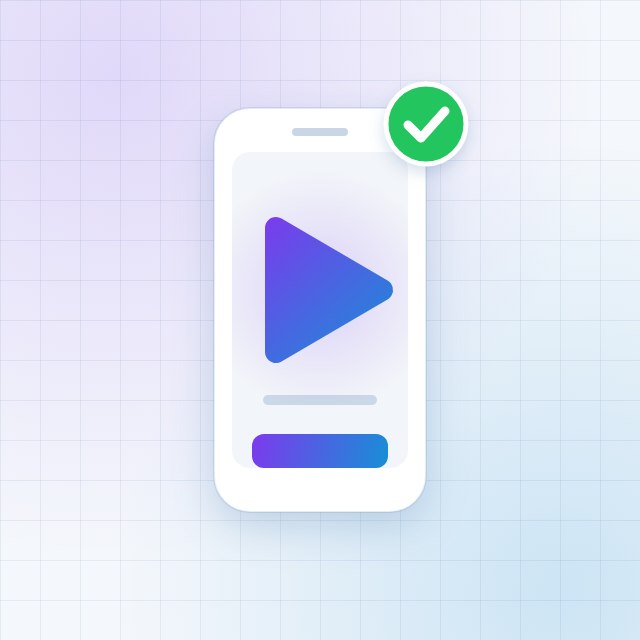
We released the mobile app on the App Store. From today you can open your boards on an iPhone and an iPad.

The app is the same board you know from the browser, adapted to touch and to a smaller screen. Saved boards appear on both devices, so a lesson can start on a computer and finish on a tablet. The app fully supports the Apple Pencil, which significantly improves the user experience.

We are working on the Android version and it will be on Google Play soon.

PhiBoard is now on the App Store

27

aug

New ways to share a board

Following your requests, we introduced a second way of working on a board. Until now one person held control and passed it on, and now up to five people can draw at the same time.

The owner picks the mode when creating or editing the board, so both ways of working remain available. With more than five people, passing control is often still more convenient, because nobody writes over someone else"s solution. In pairs or a small group, working in parallel makes more sense.

Changes appear to everyone instantly, along with the other participants" cursors, so you see not only the result but also who is working on what.

New ways to share a board

26

aug

Importing PDF files

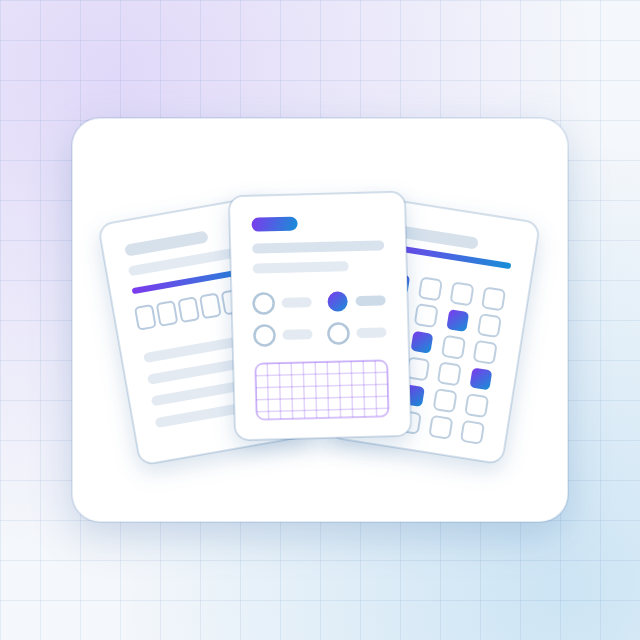
We added PDF import. A worksheet, a scanned exercise or an exam paper lands on the board as images: each page separately, one below another.

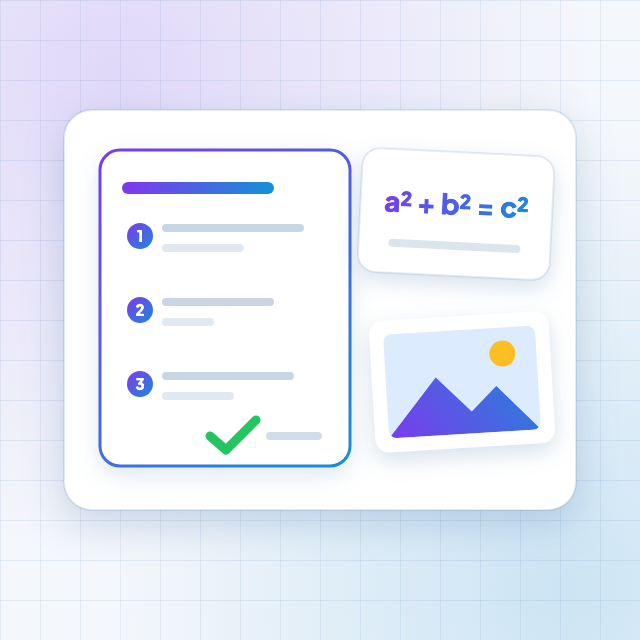
Everything is saved together with the board and comes back in the PDF export, so a student receives one file with the exercise and the solution side by side.

Limits: up to 32 pages per import, up to 40 images on a board and a file of up to 20 MB.

Importing PDF files

17

aug

The board adapted for tablets

We rebuilt the board for touch screens. We introduced two-finger pan and zoom, stylus recognition and larger buttons, and we arranged the panels so that they no longer cover the space you draw on.

We paid a lot of attention to how smoothly it all runs. We wanted drawing to feel comfortable on older tablets and on school interactive whiteboards too, because that is where most lessons happen.

As a result the same board works on a computer, on a tablet held in your hand, and on a large screen in a classroom.

The board adapted for tablets
PhiBoard

A modern, interactive board for study and work. Create, teach and collaborate - completely free.

Coming soon to

Google Play

Download on the

App Store

PhiBoard

Tools

Capabilities

Knowledge base

Support

FAQ

Our mission

Contact

More

Our goalFor schoolsNews

Documents

TermsPrivacy policy

office@phiboard.com

Support the project

© 2026 PhiBoard. All rights reserved.

We Use Cookies

To improve the quality of our services, we use cookies. Cookies help us tailor our website to your preferences, analyze how you use the site, and provide a better user experience. By accepting cookies, you consent to their use for optimizing functionality and content on the site.

News | PhiBoard